How to update multiple documents with Mongoose Studio
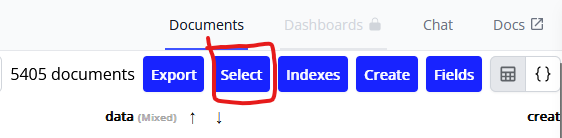
To update multiple documents using mongoose studio, you'll want to make use of the select button in the upper right corner in the models page.
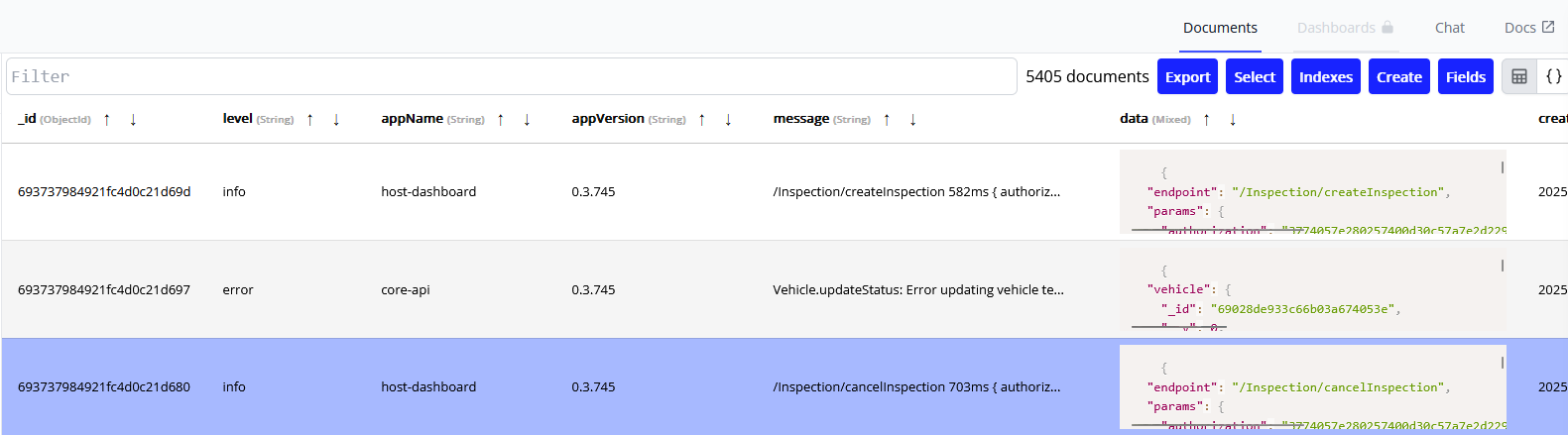
Once you have clicked the select button, you will have entered select mode. In this mode, you can now click the documents displayed that you wish to interact with for the model. Something worth mentioning is that while in select mode, you can change the view from table to json and vice versa and select mode will still remember the selected documents.
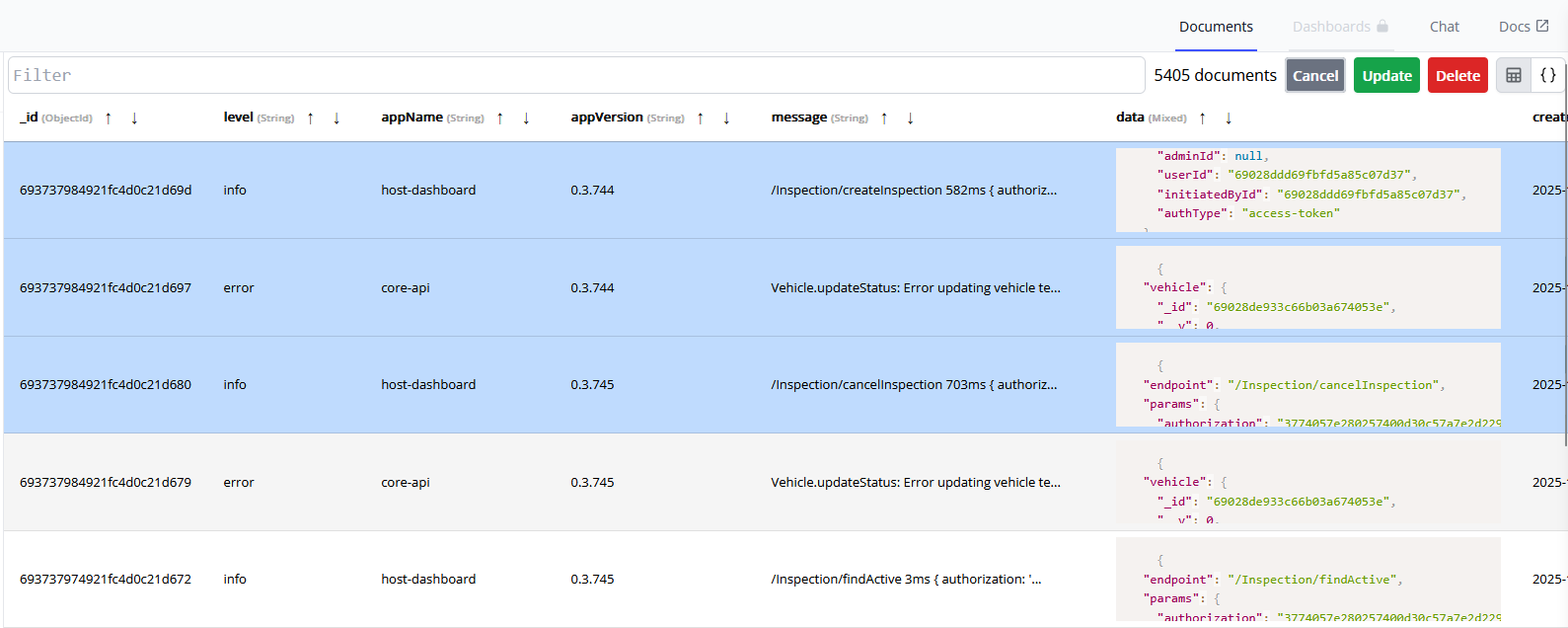
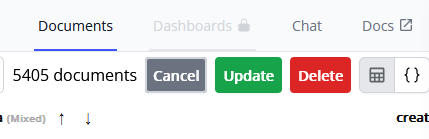
Once you are happy with your selection, you have three options, update, delete, or cancel.
When you click the update button, a modal will appear. In this modal, you write the update object you wish to impose on the selected data. This data should be written in JSON format as shown below.
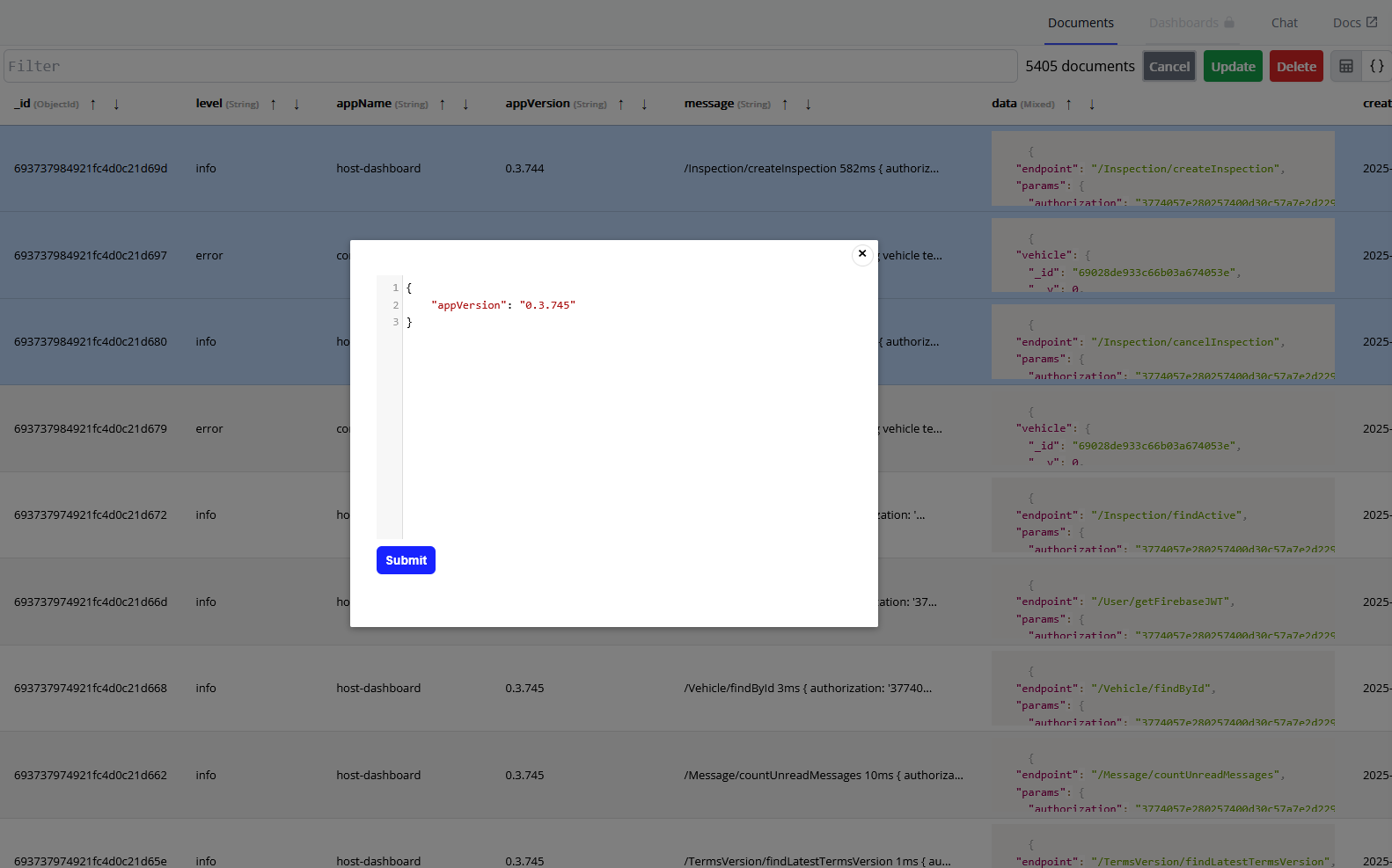
Once you've clicked submit, you will have successfully updated the selected documents.